Saving & Exporting
Back up your design, share it with your auto-electrician, and export a professional wiring diagram image.
The Save Toolbar
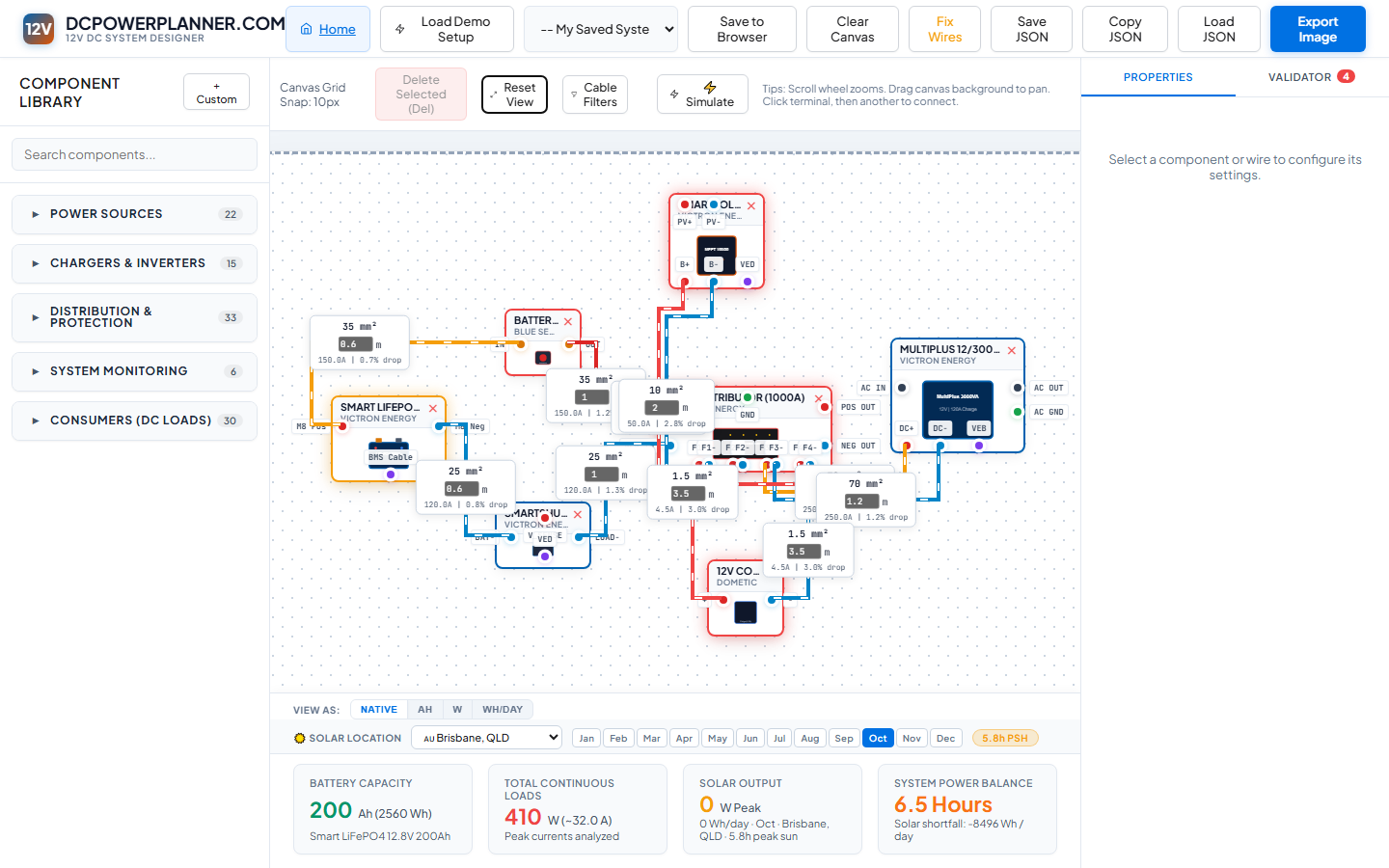
The header toolbar gives you four save/export options: Save to Browser (quick local save), My Saved Systems dropdown (load a previous save), Save JSON (export a file backup), and Export Image (download a PNG diagram). Use a combination of these for both convenience and safety.
Save to Browser (Quick Save)
Click Save to Browser. DCPowerPlanner.com prompts you to name this save, then stores the complete design in your browser's local storage. Access any saved design from the My Saved Systems dropdown at any time — even after closing and reopening the browser.
Export JSON (File Backup)
Click Save JSON to download your design as a .json file. This is a complete, portable backup. To restore it later, click Load JSON and select the file. Use Copy JSON to paste the design data directly into a message or text file.
Export a Wiring Diagram Image
Click the orange Export Image button. DCPowerPlanner.com renders the canvas as a high-quality PNG and downloads it. This diagram is what you hand to your auto-electrician — it shows every component, every wire, cable sizes, and the complete system layout in a single shareable image.