Welcome to DCPowerPlanner.com
Explore the home page, understand how DCPowerPlanner.com works, then open the designer — where you'll see the safety disclaimer for the first time.
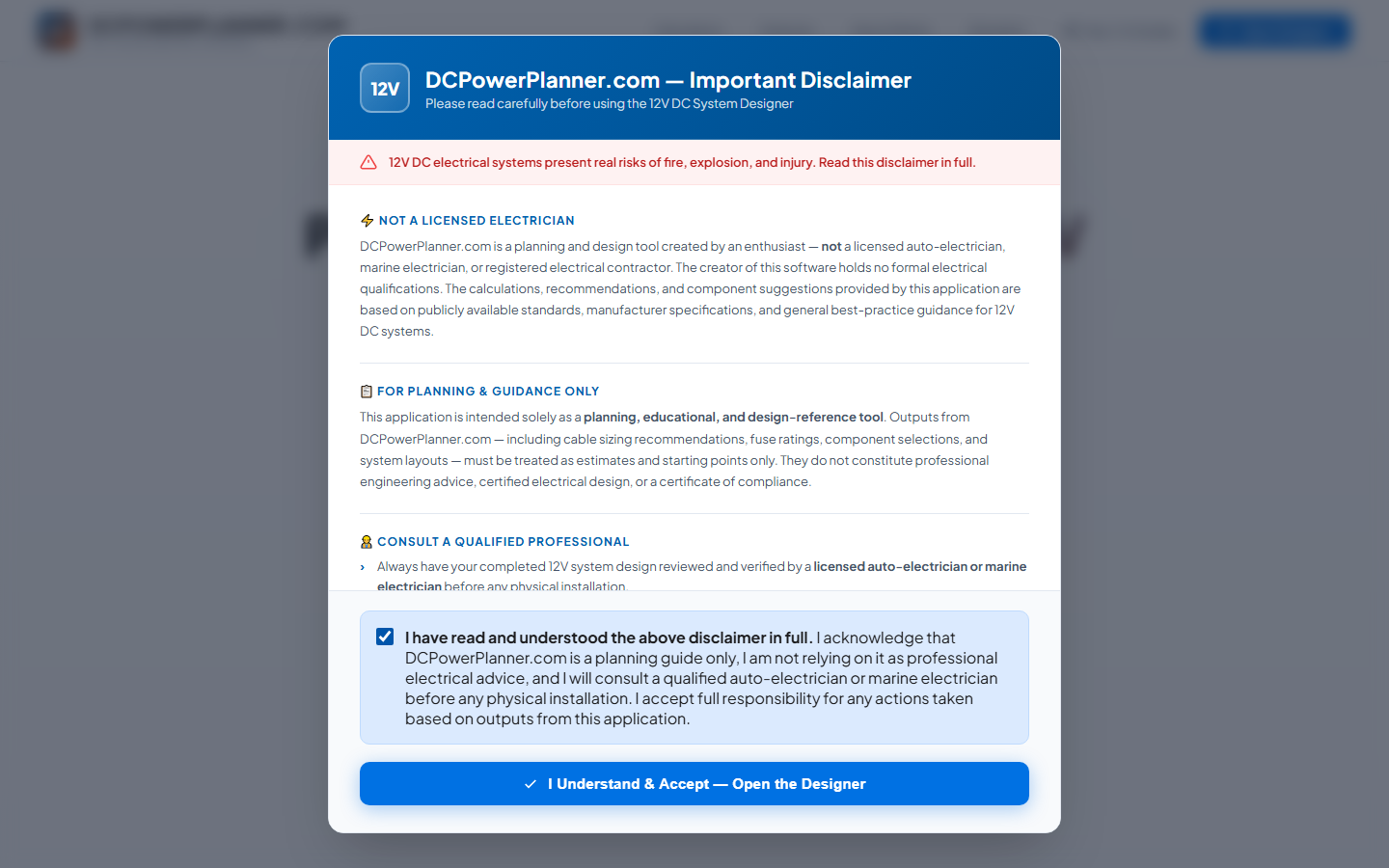
The Home Page Loads Immediately
When you first visit DCPowerPlanner.com, the home page loads straight away — no pop-ups, no gates, no friction. You can freely explore what the app does, read about its features, check out the guides, and decide if it's right for your build before committing to anything.
Explore Features, Benefits & the Simulator
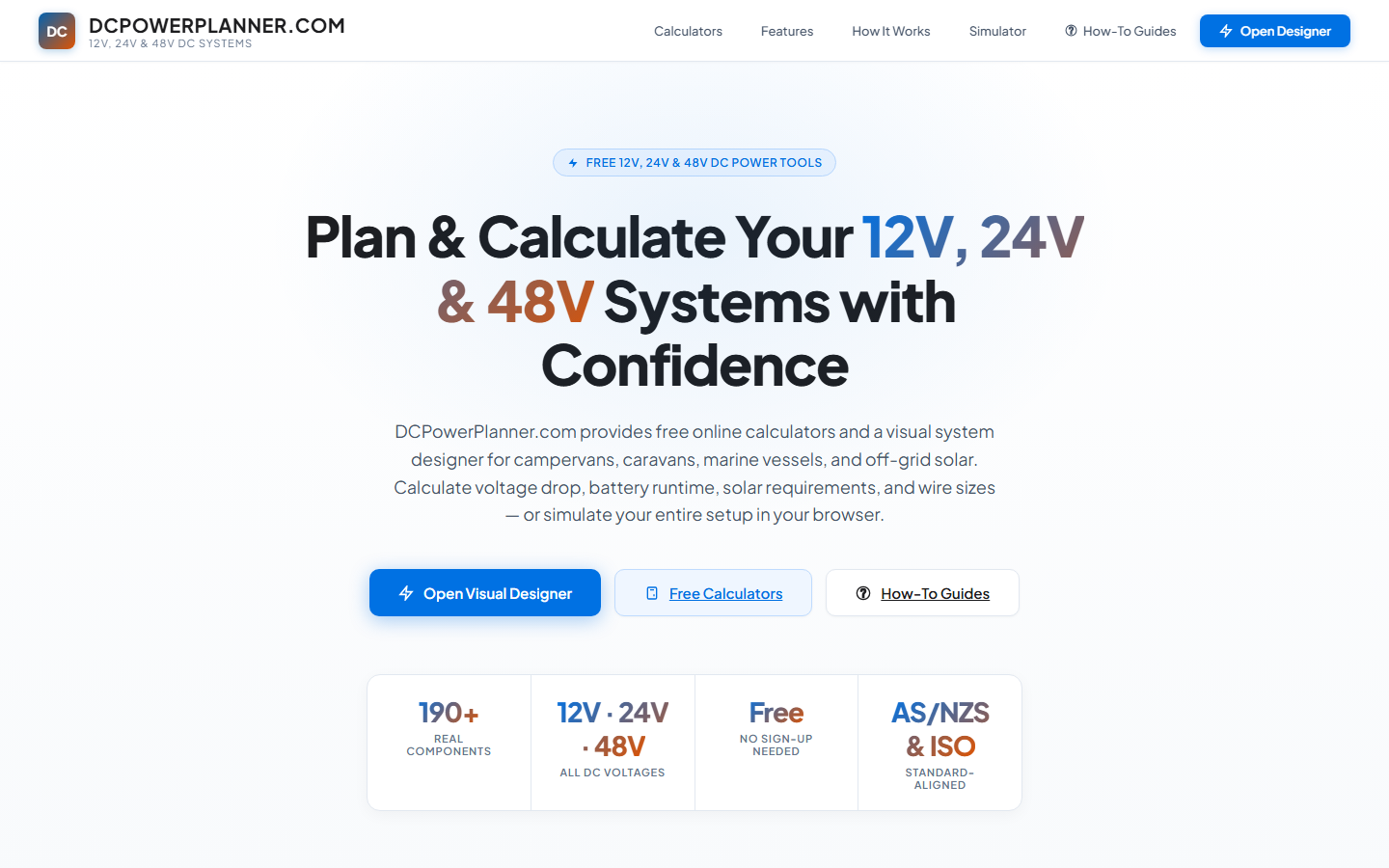
Scroll down the home page to explore everything DCPowerPlanner.com offers: a walkthrough of how the design process works, a live preview of the power simulator, and links to these step-by-step guides. There's no rush — take as long as you need to understand the tool before opening the designer.
Click 'Open Designer' When You're Ready
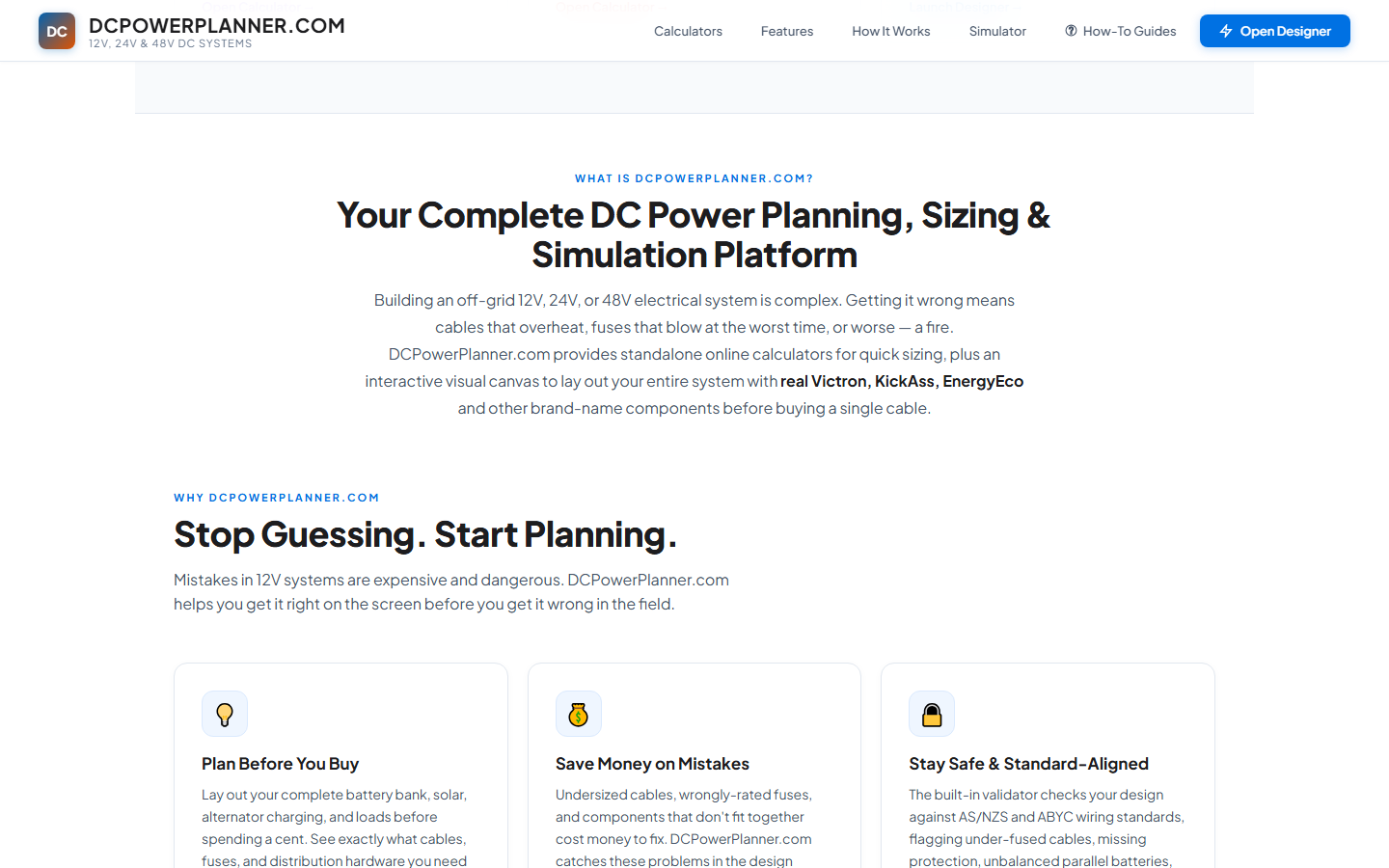
When you're ready to start designing, click the "Open Designer" button in the top-right of the header — or the large call-to-action button in the hero section. This is the moment the safety disclaimer appears — only when you're about to enter the tool, not before.
Read the Safety Disclaimer in Full
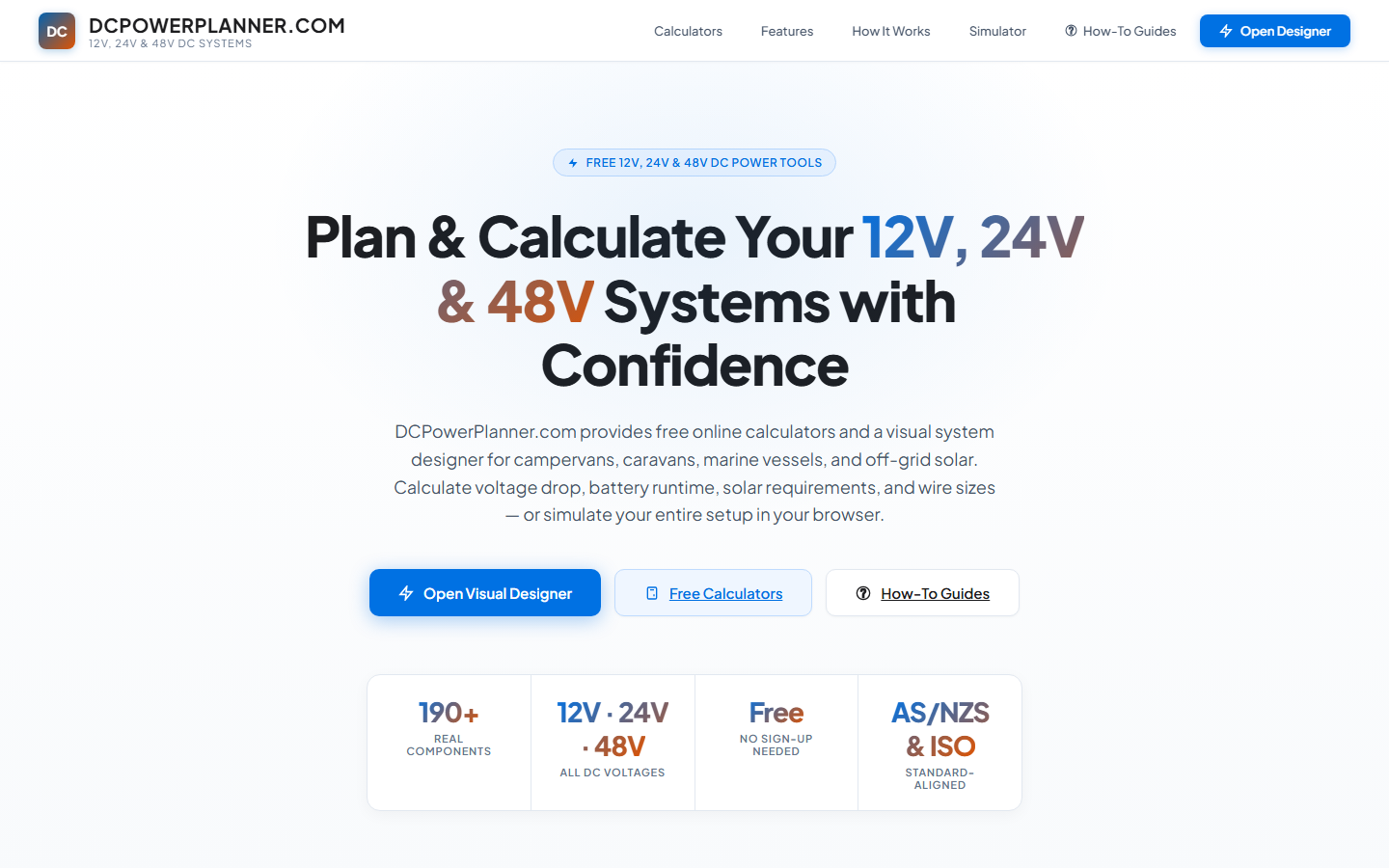
The disclaimer modal explains that DCPowerPlanner.com is a planning guide only — not professional electrical advice. It covers fire and electrical risks, the requirement to consult a licensed auto-electrician, applicable Australian standards (AS/NZS 3001, AS/NZS 3004), and the limitation of liability. Read it carefully. 12V DC systems can start fires if incorrectly installed.
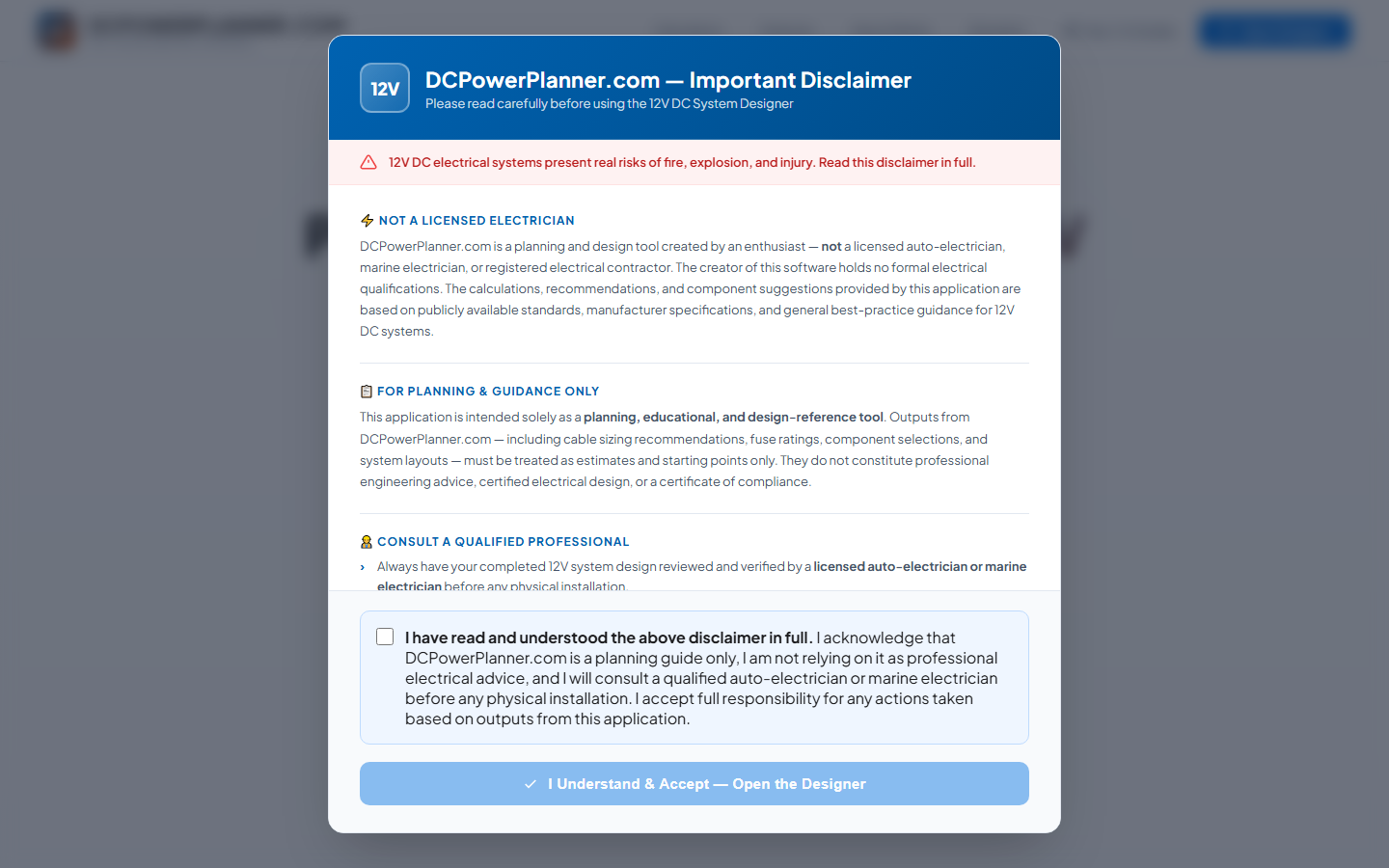
Tick the Checkbox & Open the Designer
Once you've read the disclaimer, tick the "I have read and understood the above disclaimer in full" checkbox. The "I Understand & Accept — Open the Designer" button activates. Click it to accept and go directly into the DCPowerPlanner.com designer. Your acceptance is stored so you won't see the disclaimer again on future visits — clicking "Open Designer" will take you straight in.