Live Power Simulator
Toggle appliances on and off to model real camping scenarios and predict battery runtime before you leave home.
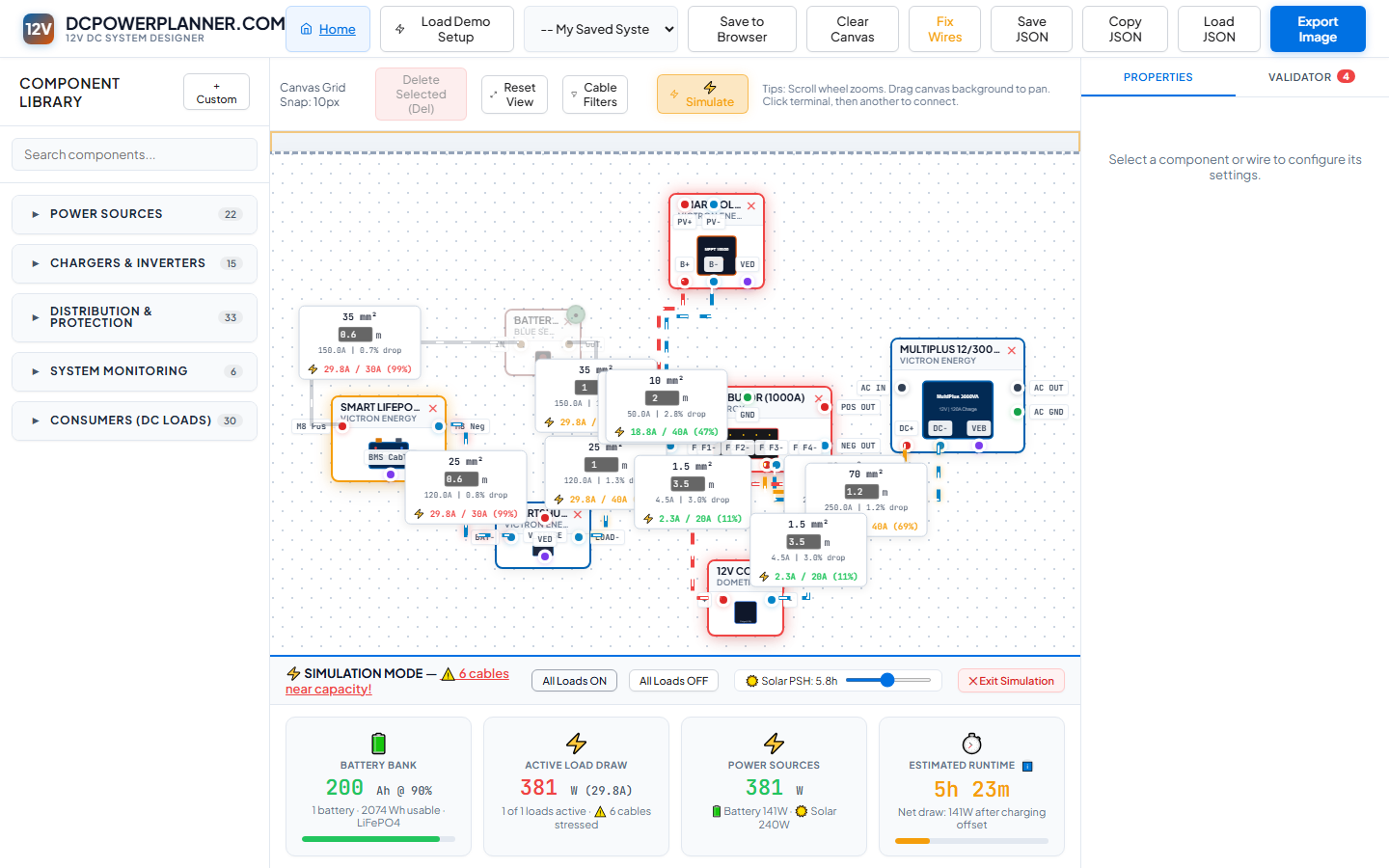
Entering Simulation Mode
Click the Simulate button in the canvas toolbar. The canvas switches into simulation mode — a live power dashboard appears at the bottom, replacing the standard stats bar. Each load component shows a power state badge (ON / OFF). The system immediately begins calculating power flow based on your design.
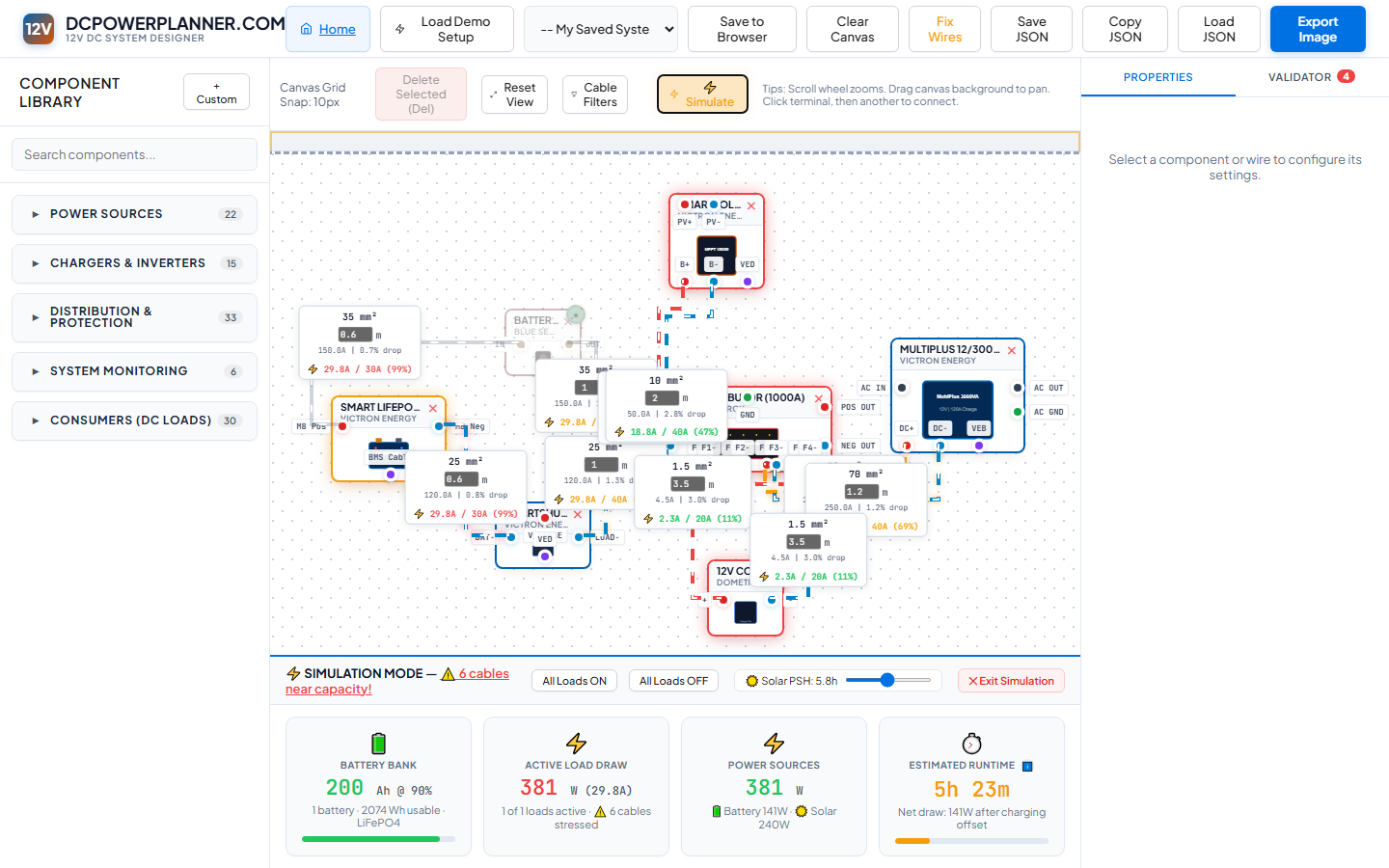
All Loads ON — Worst Case Scenario
Click All Loads ON in the simulation control strip. Every consumer device in your design is activated simultaneously. This shows you the absolute maximum power draw your battery bank and wiring must handle. If the runtime estimate is very short (under 2 hours), consider adding battery capacity or reducing peak loads.
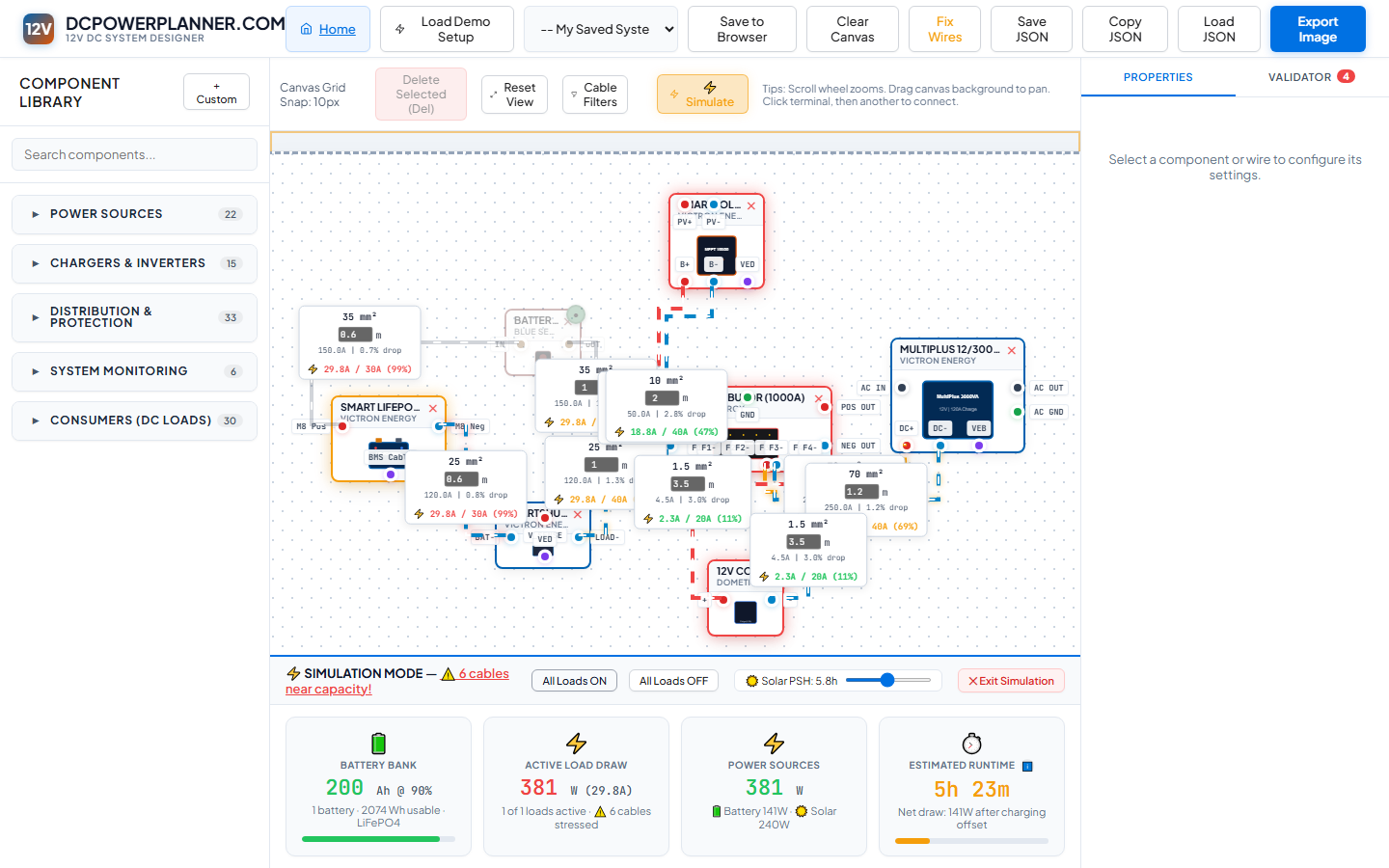
All Loads OFF — Charging Only
Click All Loads OFF. All consumer devices switch to standby. Now the simulator shows only the charging sources (solar, DC-DC, alternator). This is a daytime parked scenario — your solar panels are generating power with no loads running. The battery SoC bar should be climbing.
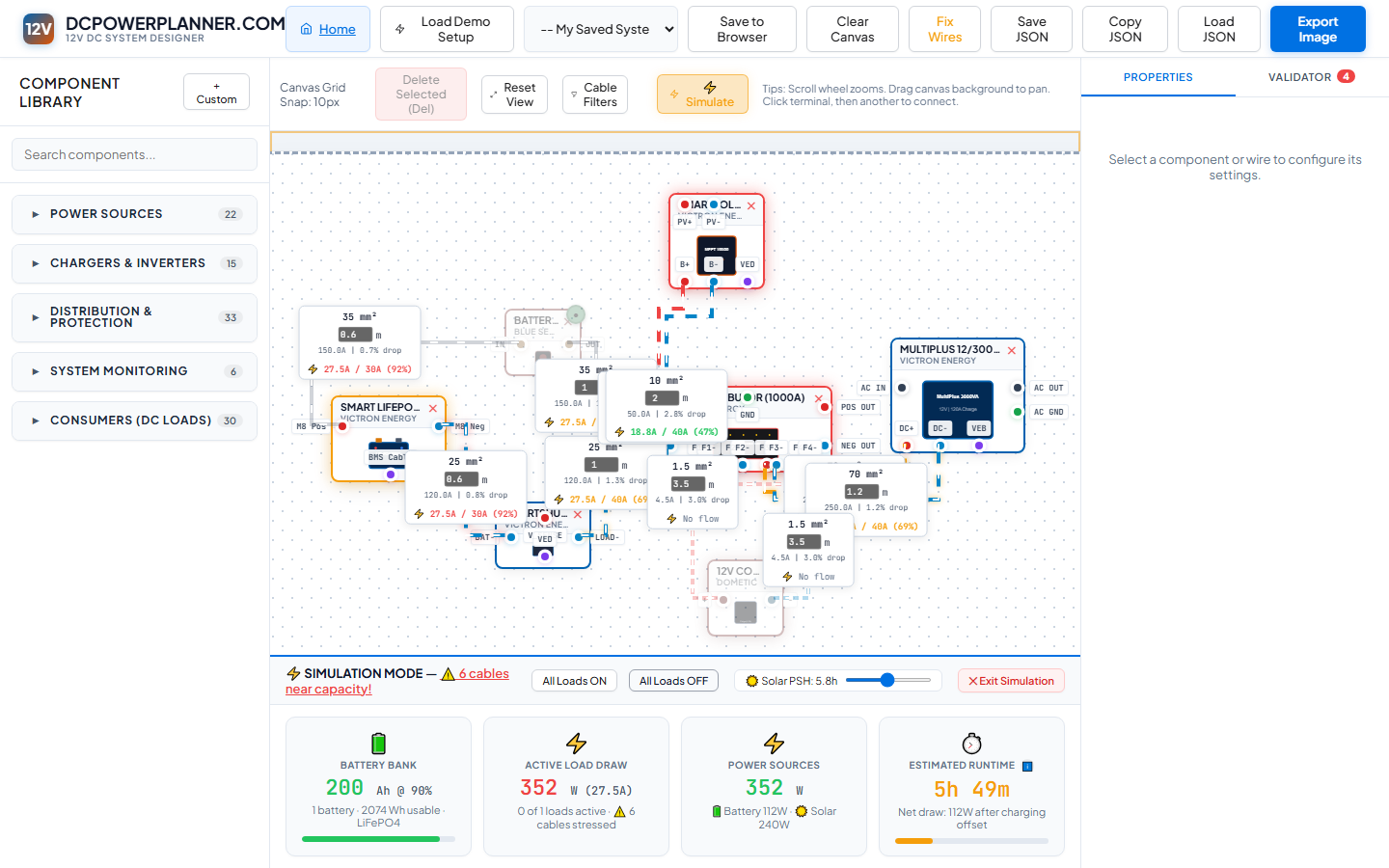
Selective Load Testing — Real Camping
Toggle individual loads on and off by clicking their components on the canvas. Turn on the fridge, a couple of lights, and the phone charger to model a realistic overnight scenario. The runtime estimate updates instantly — this is where DCPowerPlanner.com tells you whether your battery bank is right-sized for how you actually camp.